About Course
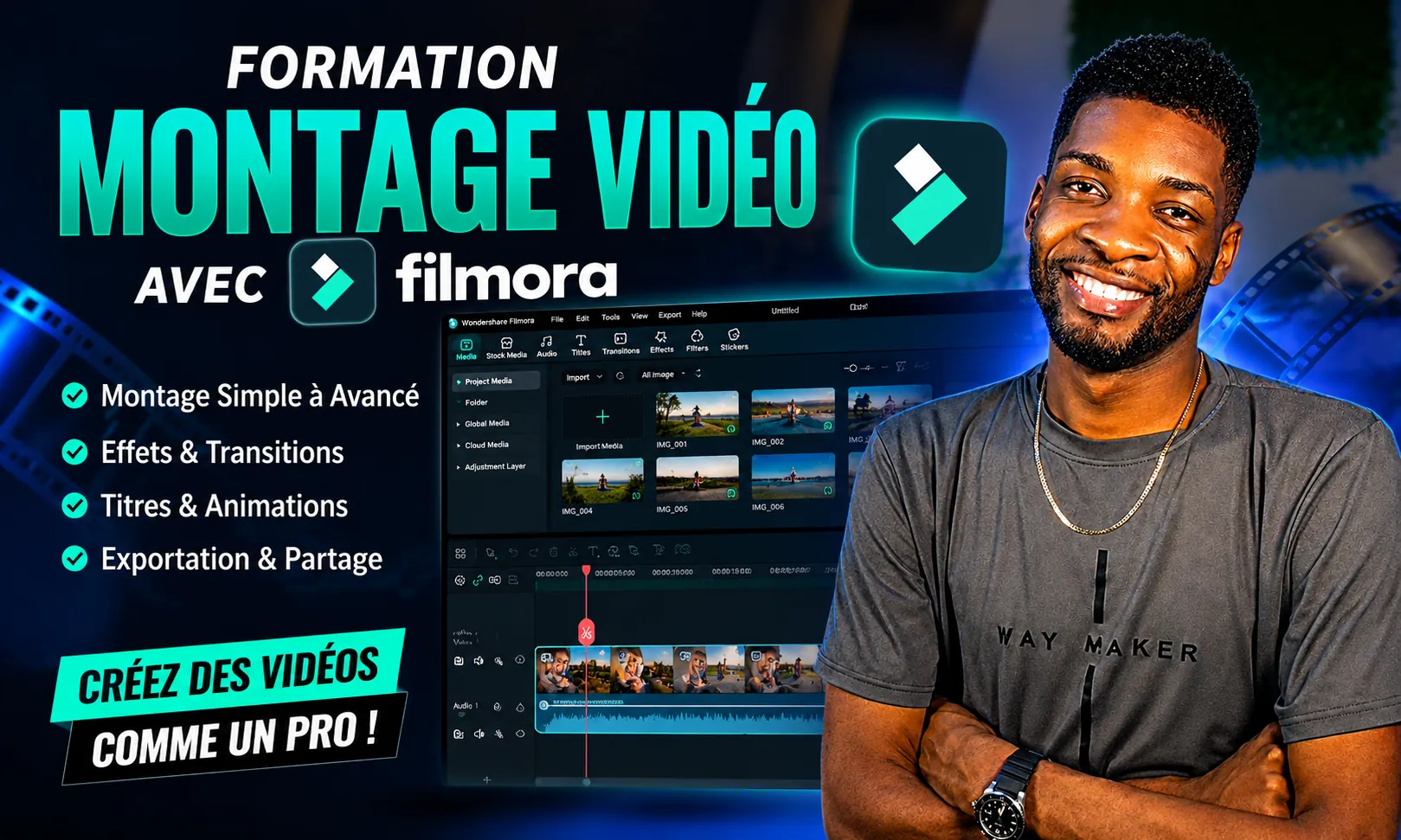
Unlock the power of Filmora and learn how to create professional-quality videos from scratch. Whether you’re a complete beginner or an aspiring content creator, this comprehensive masterclass will guide you through every essential feature of Filmora using a practical, step-by-step approach.
Throughout the course, you’ll learn how to confidently edit videos, organize your projects, cut and trim clips, add transitions, titles, animations, music, sound effects, color grading, motion tracking, keyframes, AI-powered tools, and much more. You’ll also discover professional editing techniques used by YouTubers, social media creators, marketers, and freelancers.
By the end of this course, you’ll be able to produce polished videos for YouTube, TikTok, Instagram Reels, Facebook, online courses, business promotions, and personal projects.
No previous editing experience is required, just a computer and a willingness to learn.
Course Content
Welcome & Course Introduction
Downloading and Installing Filmora
Getting Started with Filmora
Creating Your First Project
Video Editing Essentials
Working with Audio
Titles & Text Animation
Transitions
Effects
Color Correction & Color Grading
Green Screen (Chroma Key)
Motion Tracking
Keyframing
AI Features in Filmora
Screen Recording
YouTube Editing Workflow
Social Media Videos
Exporting Your Videos
Bonus Tips & Productivity
Final Project
Course Wrap-Up
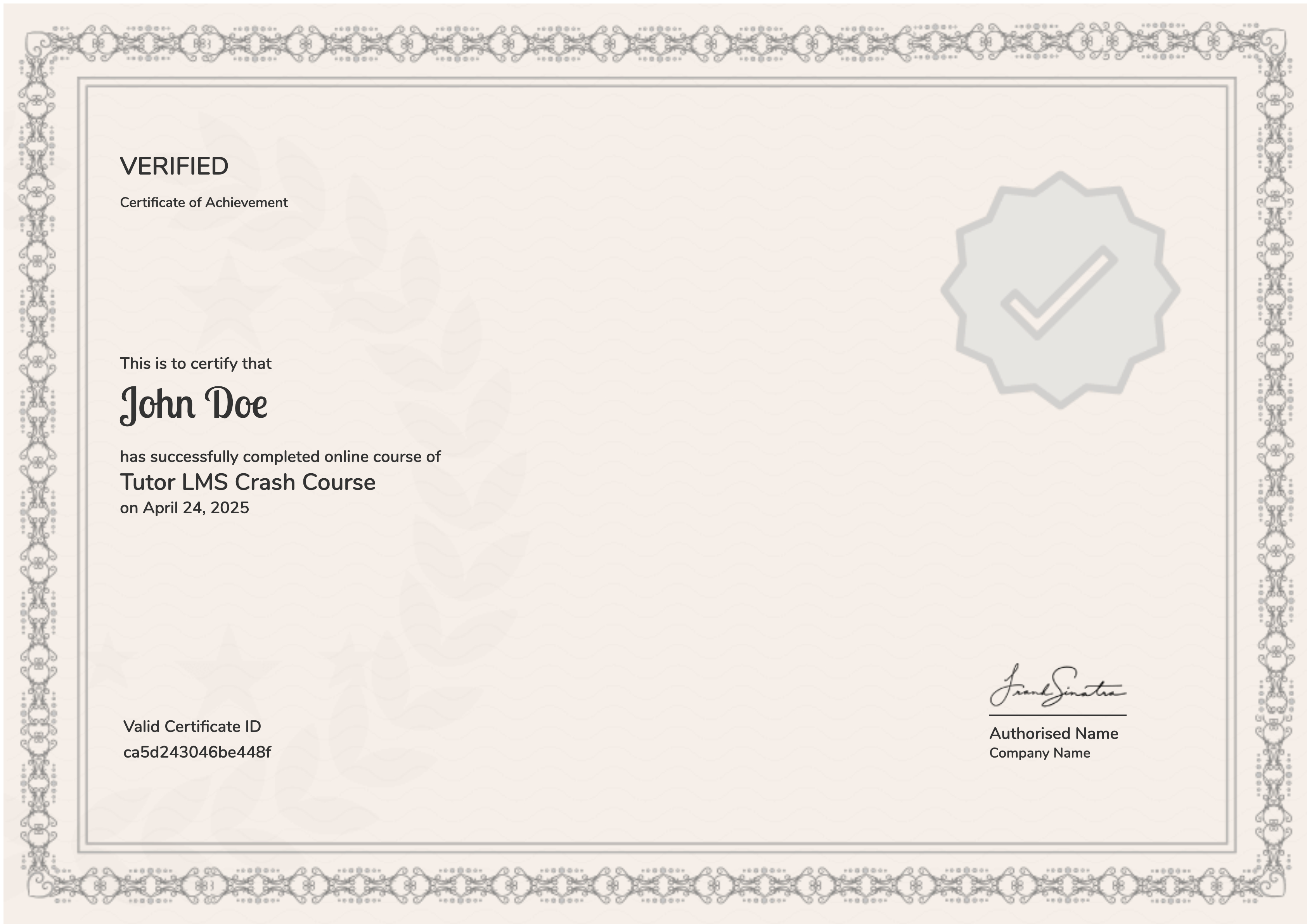
Earn a certificate
Add this certificate to your resume to demonstrate your skills & increase your chances of getting noticed.
Student Ratings & Reviews